




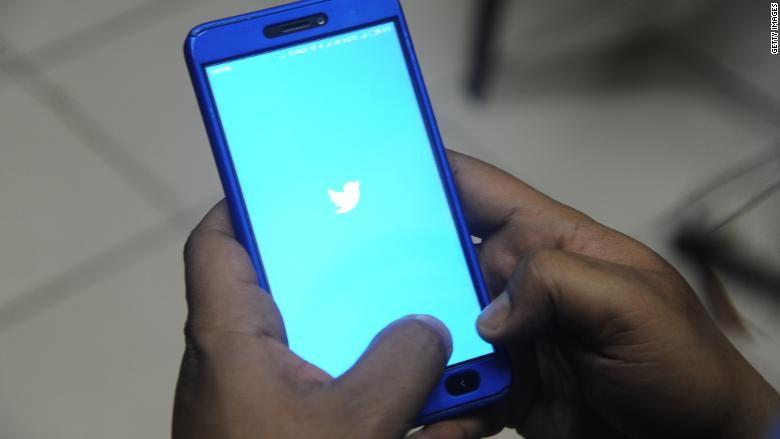
How to change your Twitter password
Twitter wasn't hacked, but it still really wants you to change your password. You can also get there by going to Settings and Privacy -> Change Password on Twitter's website, or Settings and Privacy -> Account -> Change Password on the mobile app. Related: Twitter says all 336 million users should change their passwordsIf you really enjoy cheese, perhaps your Twitter password was "ilovecheese." You should change the password to a new, entirely unique password that is not related to cheese. Get a password managerSince the best passwords should be hard to remember, consider using a password manager like 1Password or Lastpass.
Source: CNN May 03, 2018 23:48 UTC


