

How to Customize Netflix's New Automatic Downloads
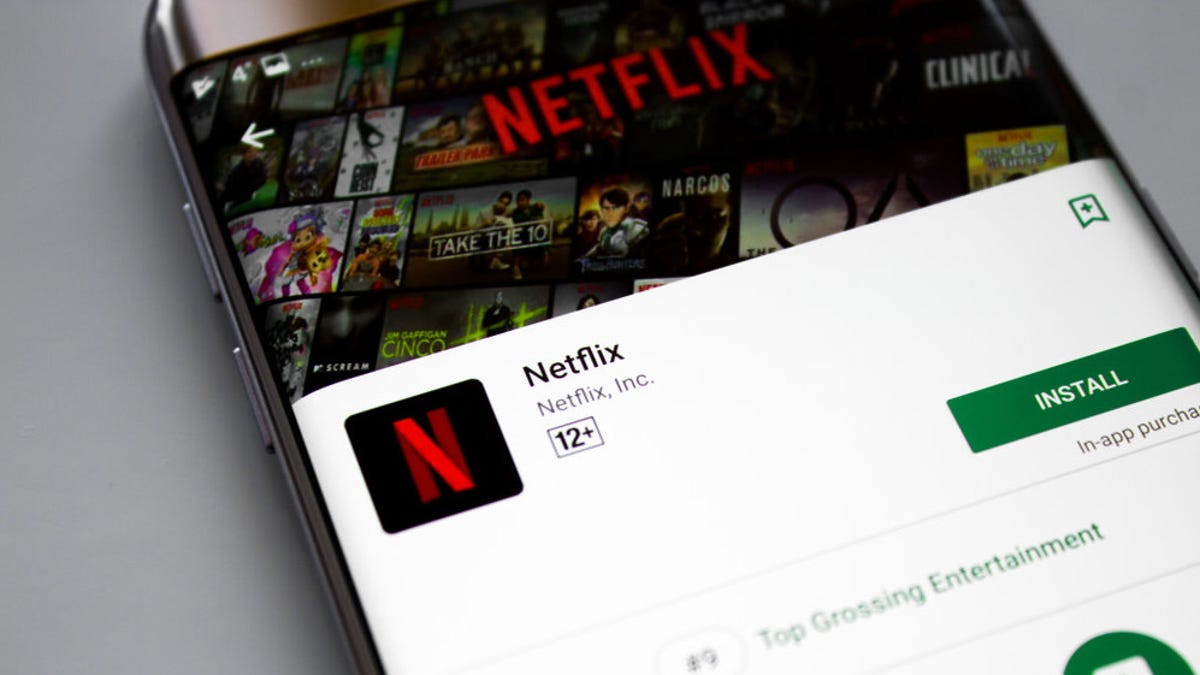
It’s similar to the app’s Smart Downloads feature, which automatically deletes episodes saved on your device after you watch them and downloads the next. Screenshot: Brendan Hesse Screenshot: Brendan HesseG/O Media may get a commissionHow to use Netflix’s Downloads for YouOpen the Netflix App.Tap thetab.Tapto use Downloads for You.Select how much data you want to set aside for your downloads. After Downloads for You is set up, the app will download content it thinks you’ll like. (Note that Netflix only downloads content while you’re connected to wifi and have enough space.) You can view download progress and watch your offline content in the Netflix app’s “Downloads” tab.
Source: The Nation February 24, 2021 16:01 UTC