
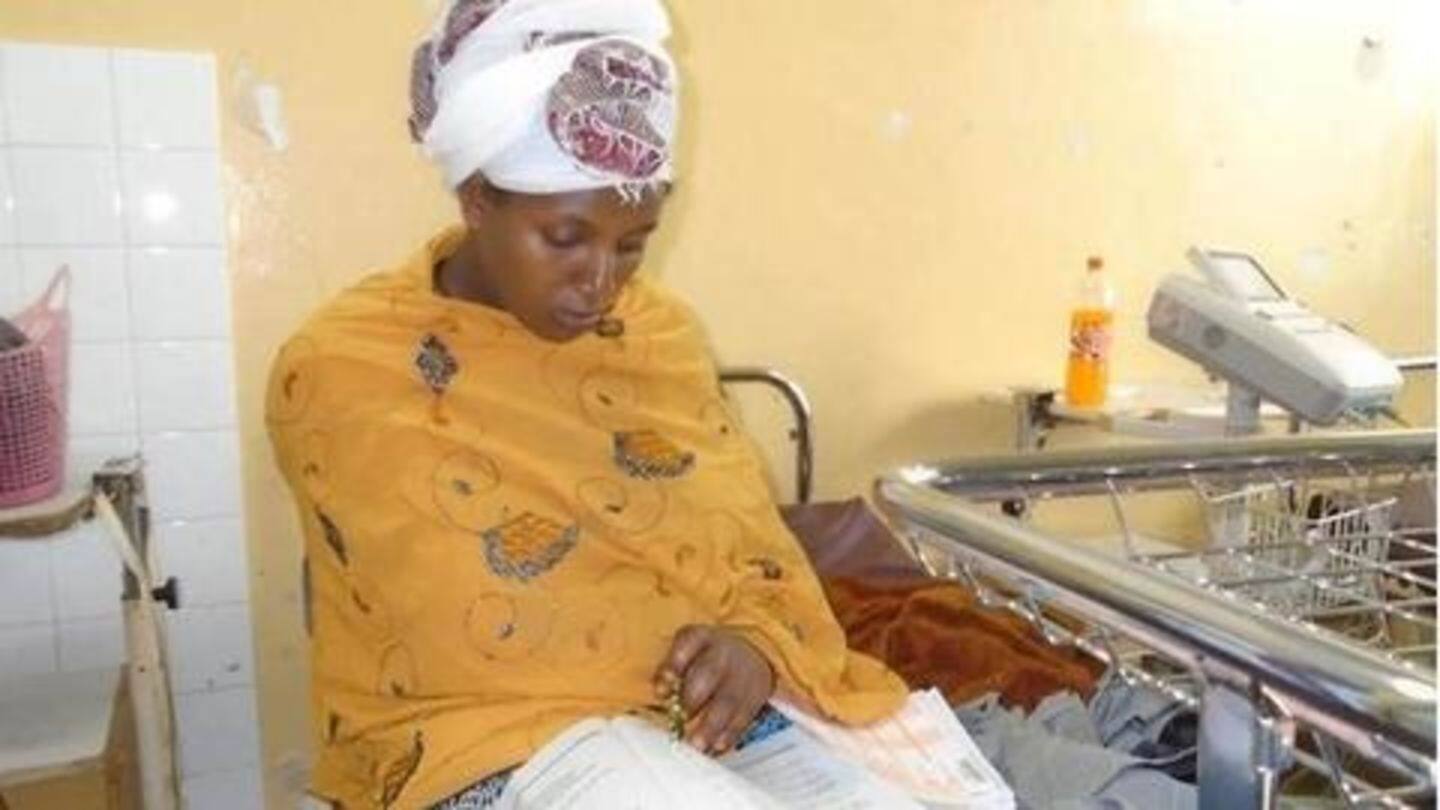
Ethiopian woman writes exam from hospital, right after giving birth
Enable Browser Push Notification1Click on the lock icon right next to website address in your browser. Click on the lock icon right next to website address in your browser. Open preferences by clicking safari icon in toolbar. |2Notification permissions selection for the website are displayed in a dropdown, click on Site settings Notification permissions selection for the website are displayed in a dropdown, click on Site settings Open 'Notifications' tab, you will see all the existing notifications.
Source: Ethiopian News June 14, 2019 09:22 UTC


